
No roaming costs, no logistics. SIMply enjoy your trips from 2.99$



























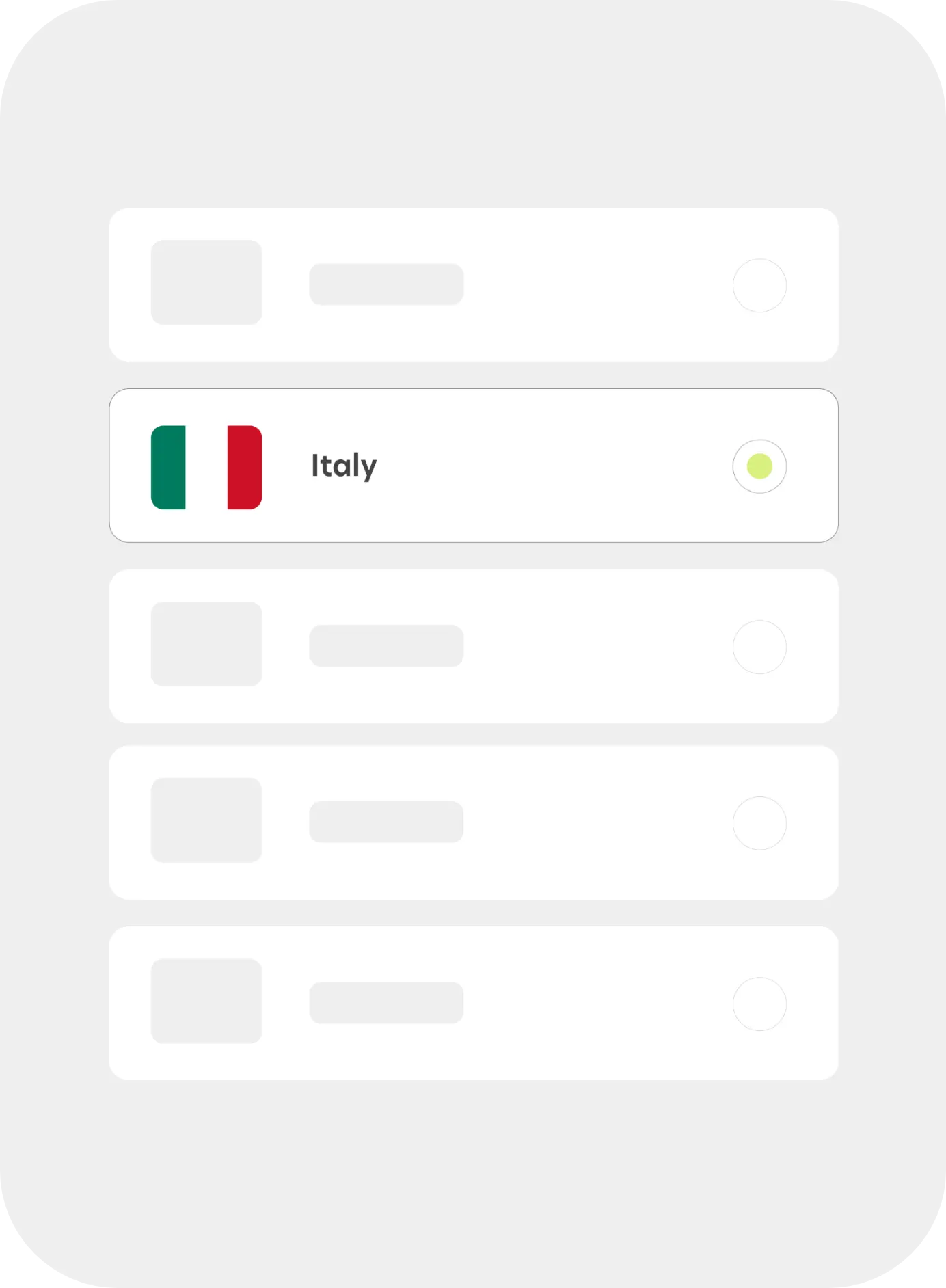
Choose your destination - Browse and select the country you’re traveling to.
Choose your destination - Browse and select the country you’re traveling to.
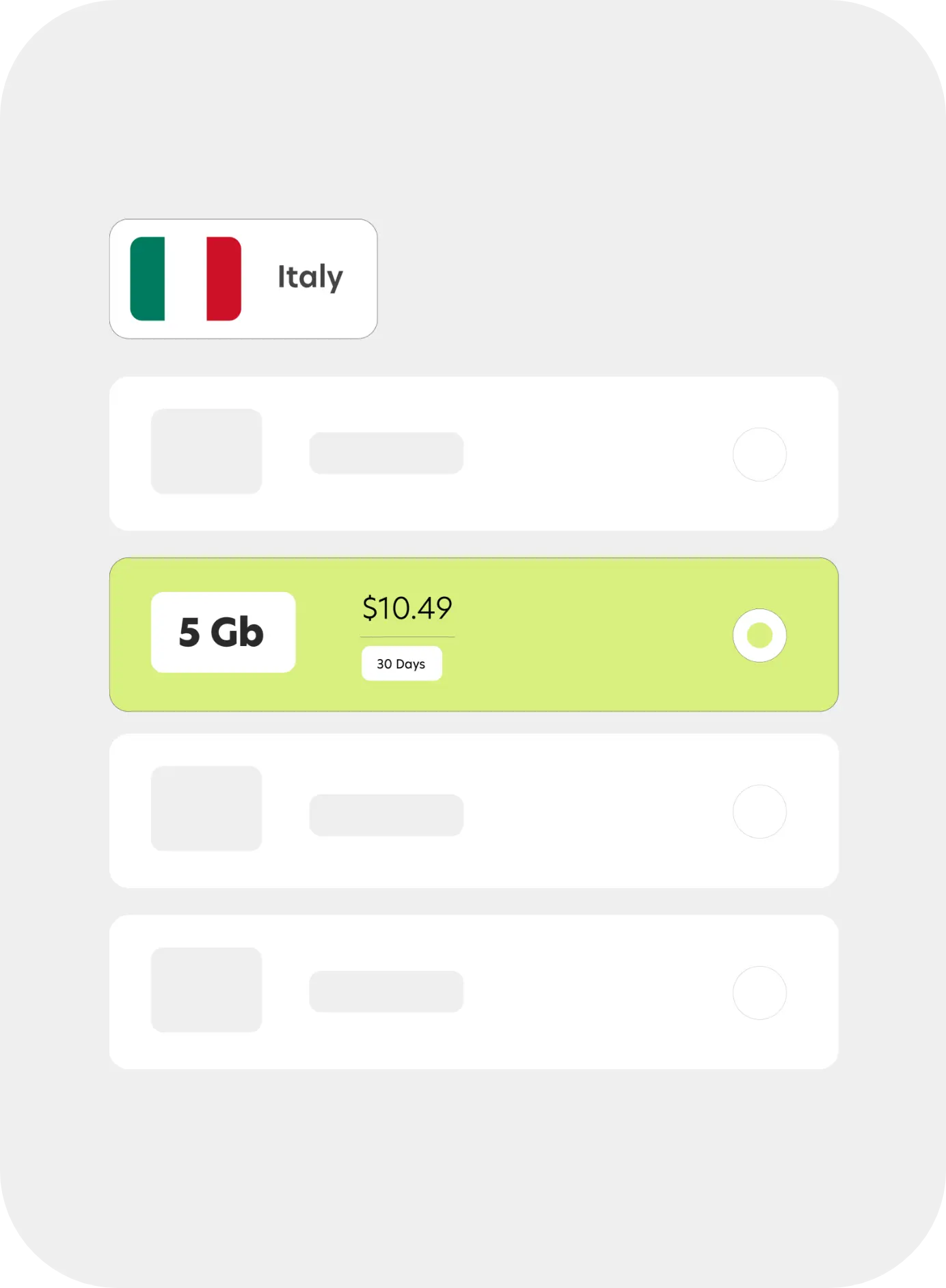
Pick your plan - Choose the data plan that fits your trip - short or long-term.
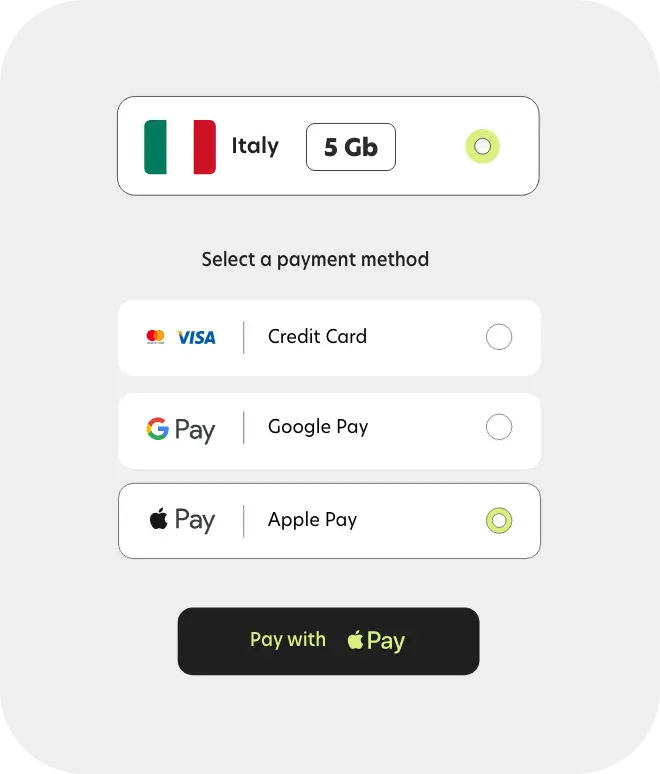
Pay with ease - Complete your purchase securely in seconds using your preferred payment method.
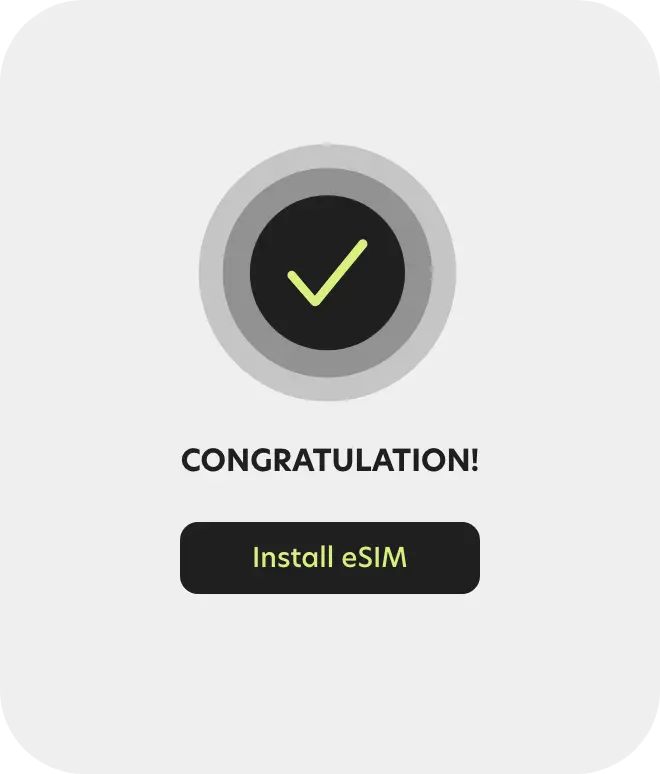
Install your eSIM - Activate your eSIM instantly through the app or by scanning a QR code.
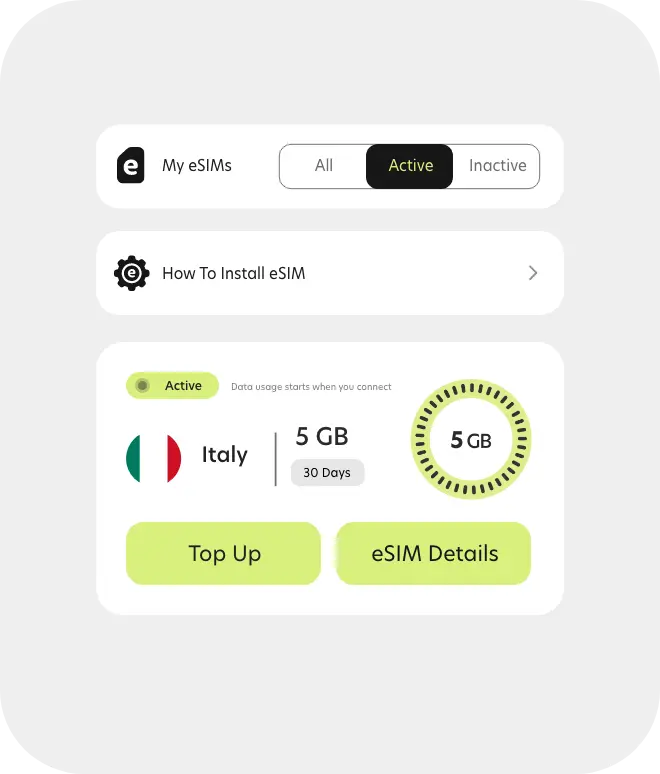
Manage with ease - Top up anytime, track your usage, and get support in seconds - all from the app.
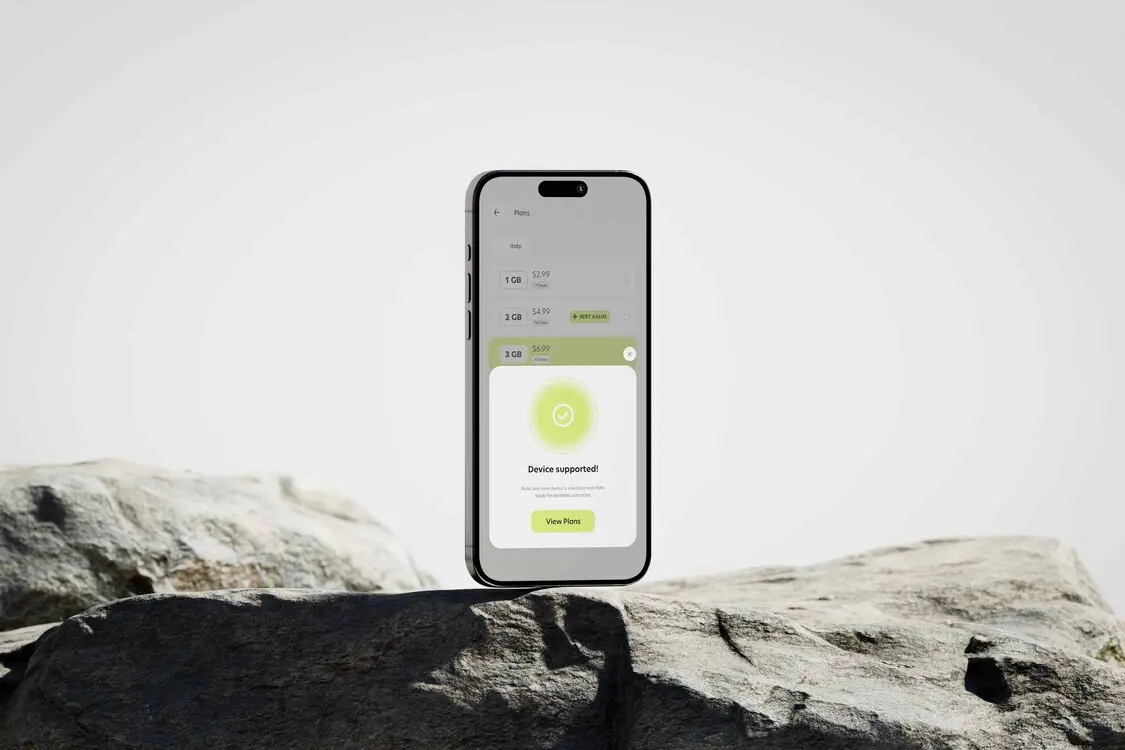
Simply eSIM works with most newer smartphones and tablets. Not sure if yours supports it? Check in seconds.
Click below to see if your device is supported, or view the full list.
Scan to download the SIMply app
Stay connected wherever you travel - fast, easy, and hassle-free.
Activate your eSIM in seconds, manage your plans, and get support on the go - all in one app.
No physical SIMs. No hassle. Just travel-ready internet.


SIMply is a global eSIM service that lets you access mobile internet without using a physical SIM card.
You can install the eSIM digitally and stay connected while traveling, without swapping SIM cards or paying roaming fees.
Good to know:
After purchase, you install the SIMply eSIM on your phone.
Once the eSIM connects to a supported mobile network in your destination country, your data plan activates automatically.
You can install the eSIM before traveling - it will not start until it connects to a supported network.
SIMply works on most modern smartphones that support eSIM technology.
In general:
Important:
Your device must be eSIM-compatible and unlocked to use SIMply.
You can check your device here in seconds.
No. SIMply provides mobile data only.
It does not include a phone number, voice calls, or SMS.
You can still use apps like WhatsApp, iMessage, Telegram, FaceTime, or Zoom for calls and messages using mobile data.
Your SIMply eSIM plan does not start when you purchase or install it.
The plan starts automatically when the eSIM first connects to a supported mobile network in the destination country.
Good to know:
On most iPhones, SIMply eSIM installs automatically.
After purchase, simply tap Install eSIM and follow the on-screen instructions.
No QR code or manual setup is usually required.
If you need detailed steps, see the full guide here:
👉 How to install eSIM on iPhone
On supported Android devices, SIMply eSIM installs easily.
SIMply eSIM can be installed easily on supported Android devices.
After purchase, follow the on-screen instructions provided by SIMply to add the eSIM to your device.
The installation method may vary depending on your device model.
If you need step-by-step instructions for your specific device, see the full guide here:
👉 How to install eSIM on Android
All installation methods add the same SIMply eSIM profile to your device.
The method you see depends on your device and system version:
SIMply always provides the correct option for your device after purchase.
Yes. You can install your SIMply eSIM before your trip.
Installing the eSIM does not activate your plan.
Your data plan starts only when the eSIM first connects to a supported mobile network at your destination.
This allows you to be connected as soon as you arrive.
In most cases, an eSIM can only be installed once.
If you delete the eSIM or reset your device, reinstalling it may not be possible.
Always contact SIMply support before removing an active eSIM.
SIMply supports major payment methods, including credit and debit cards.
In supported regions, you can also pay using Apple Pay or Google Pay.
Available payment options may vary depending on your location and device.
Yes. SIMply supports Apple Pay and Google Pay where available.
You’ll see the available payment options during checkout.
No. SIMply does not charge hidden fees.
The price you see at checkout is the final price for your eSIM plan.
Refunds may be available if the eSIM has not been activated.
Once an eSIM connects to a supported mobile network and the plan starts, refunds are generally not possible.
If you experience an issue, contact SIMply support for assistance.
You can contact SIMply support through the app or via the official support channels listed on our website.
Our support team is available to help with payment, account, or service-related questions.
Our team is available 24/7 via live chat or email. Whether it’s about your eSIM, activation, or travel plans - we’re here to help.
 Facebook
 Google


