
Activate eSIMs instantly worldwide - no SIM cards, no logistics, no roaming costs.
Just reliable, global connectivity for your team or your customers.



























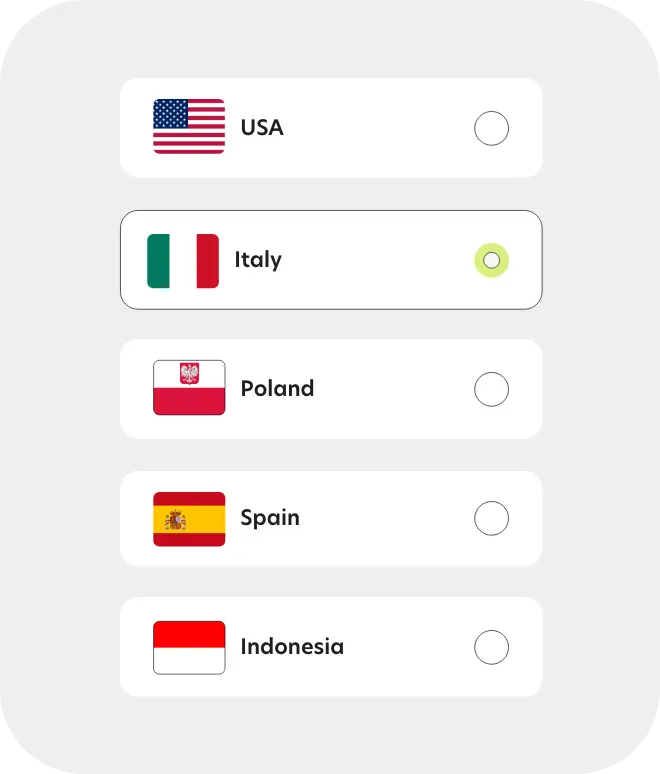
Choose your destination - Browse and select the country you’re traveling to.
Choose your destination - Browse and select the country you’re traveling to.
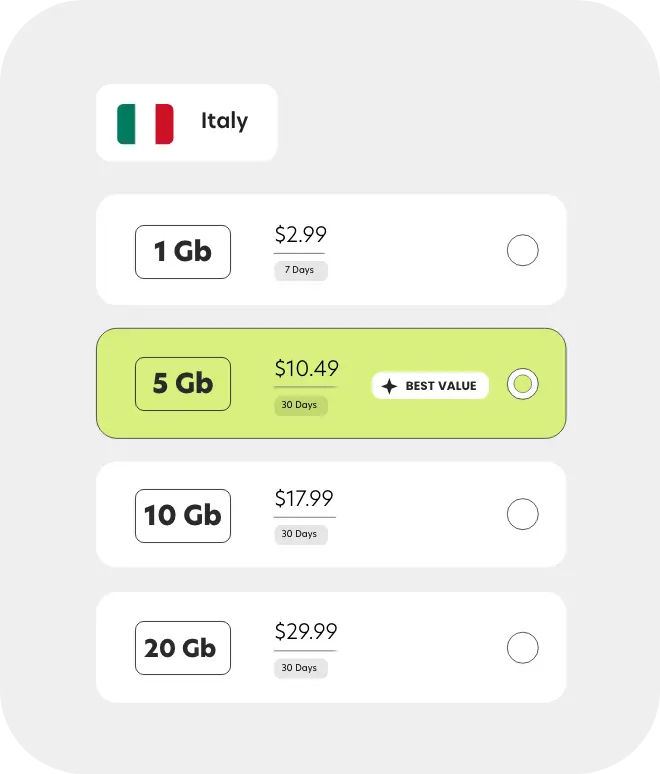
Pick your plan - Choose the data plan that fits your trip — short or long-term.
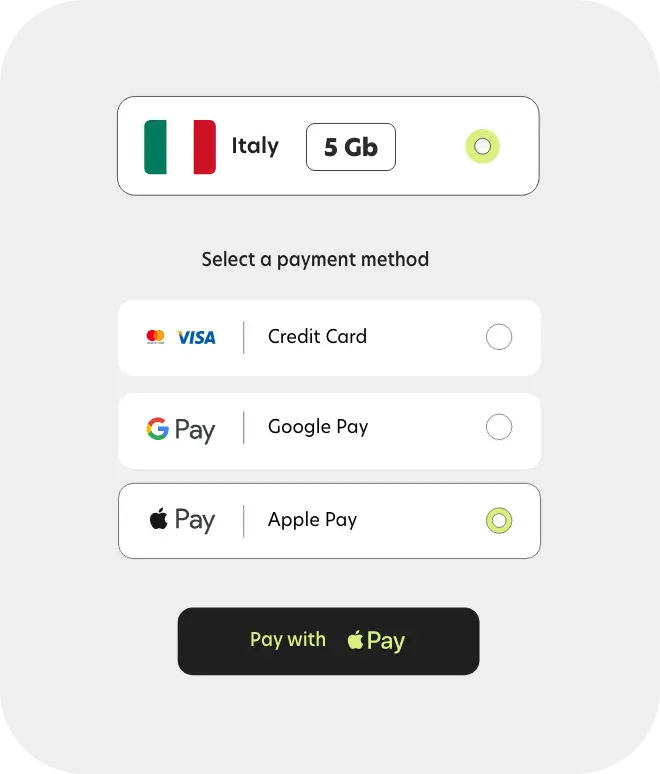
Install the eSIM - Install your eSIM instantly via the app or by scanning a QR code.
Stay connected - Enjoy high-speed internet from the moment you land
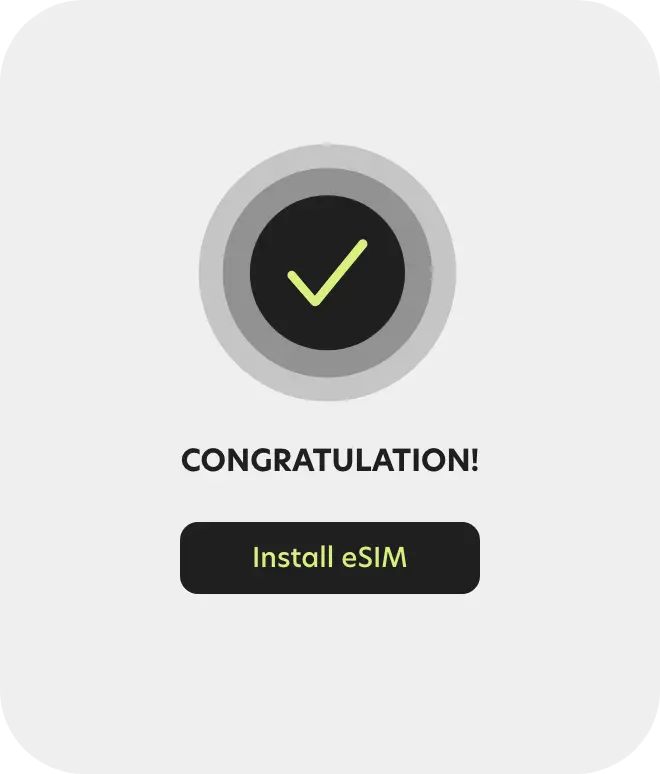
Stay connected - Enjoy high-speed internet from the moment you land
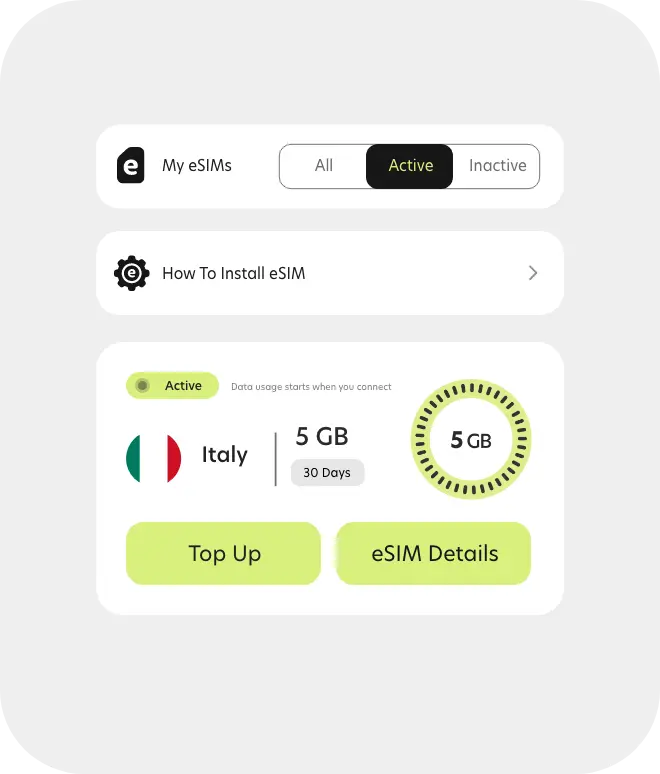
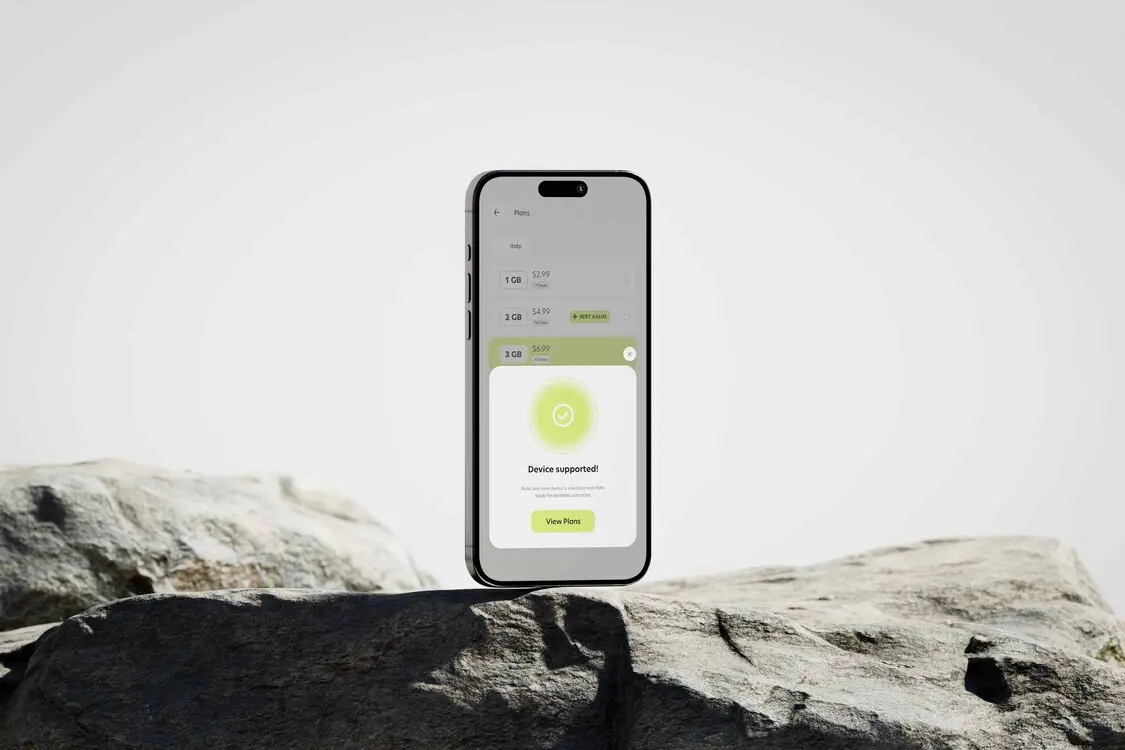
Simply eSIM works with most newer smartphones and tablets. Not sure if yours supports it? Check in seconds.
Click below to see if your device is supported, or view the full list.
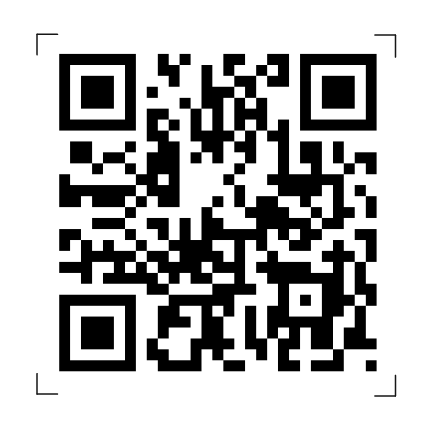
Scan to download the SIMply app
Stay connected wherever you travel - fast, easy, and hassle-free.
Activate your eSIM in seconds, manage your plans, and get support on the go - all in one app.
No physical SIMs. No hassle. Just travel-ready internet.


An eSIM is a digital SIM that lets you get mobile data without a physical card.
You install it once, and you're instantly connected - no roaming, no waiting.
After you buy a plan, you’ll get everything you need to activate your eSIM:
1. Direct install (recommended) - Tap to install in one click (supported on most devices).
2. QR code - Scan using your phone’s settings.
3. Manual setup - Use the details we provide to enter settings manually.
Follow our step-by-step guide here to see how it works on your device.
Most modern smartphones support eSIM.
You can check your device here in seconds.
Yes, you need an internet connection - either Wi-Fi or mobile data - to complete the installation.
Yes! You can keep your main SIM active and use Simply eSIM just for the internet while traveling.
Our team is available 24/7 via live chat or email. Whether it’s about your eSIM, activation, or travel plans - we’re here to help.
 Facebook
 Google


